 Help Centre
Asset locations
Updated 22 November 2025 · 1 min read
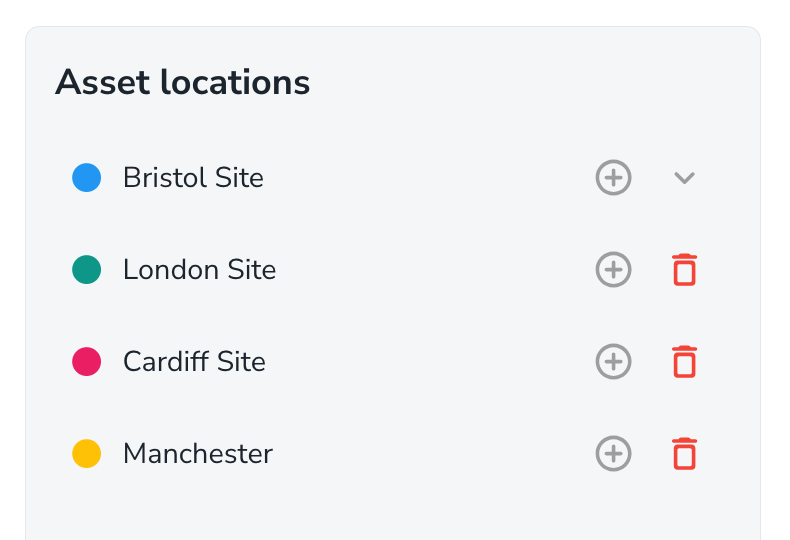
This is a feature to help organise assets manage access. Locations should be used to group assets based on where they are kept or stored. This helps make accessing them easier. For example groups might be;
Site A
Site B
Building 1
Building 2
Site C
Factory
Cell A
Cell B
Cell C
Store room
Site D
Using asset locations to manage access
Once asset locations have been created, we can use these locations to control access to the assets that are connected to the locations.
In the asset hub, open the asset settings page found in the bottom left corner.
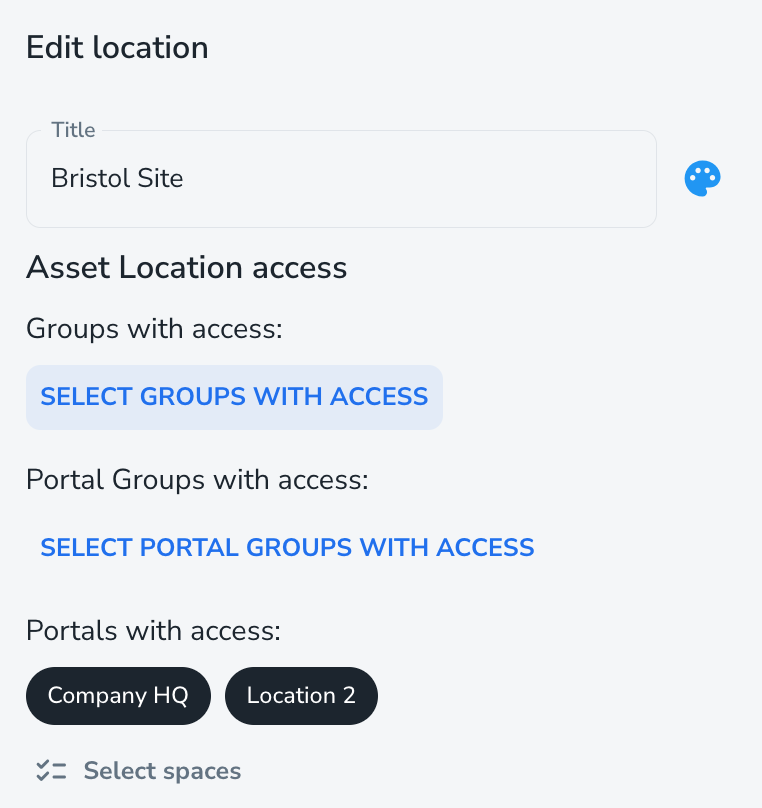
Once you have connected the asset locations to your user groups, when they navigate to asset hub, or access the asset hub through the portal, they will only see the assets that they have access too.