
 Help Centre
Upcoming Platform Releases
Keep an eye on this page to see what we're working on, when we are planning to release features and what the new features will do. Time lines for when features and projects will be released are guidelines and will be announced once a release date is confirmed.
Expand the sections for more details. Once the features are released, ask the Q-hub AI assistant to how the new features work to find out more!
Coming up
Projects and features planned to be released within the next 1-3 months.
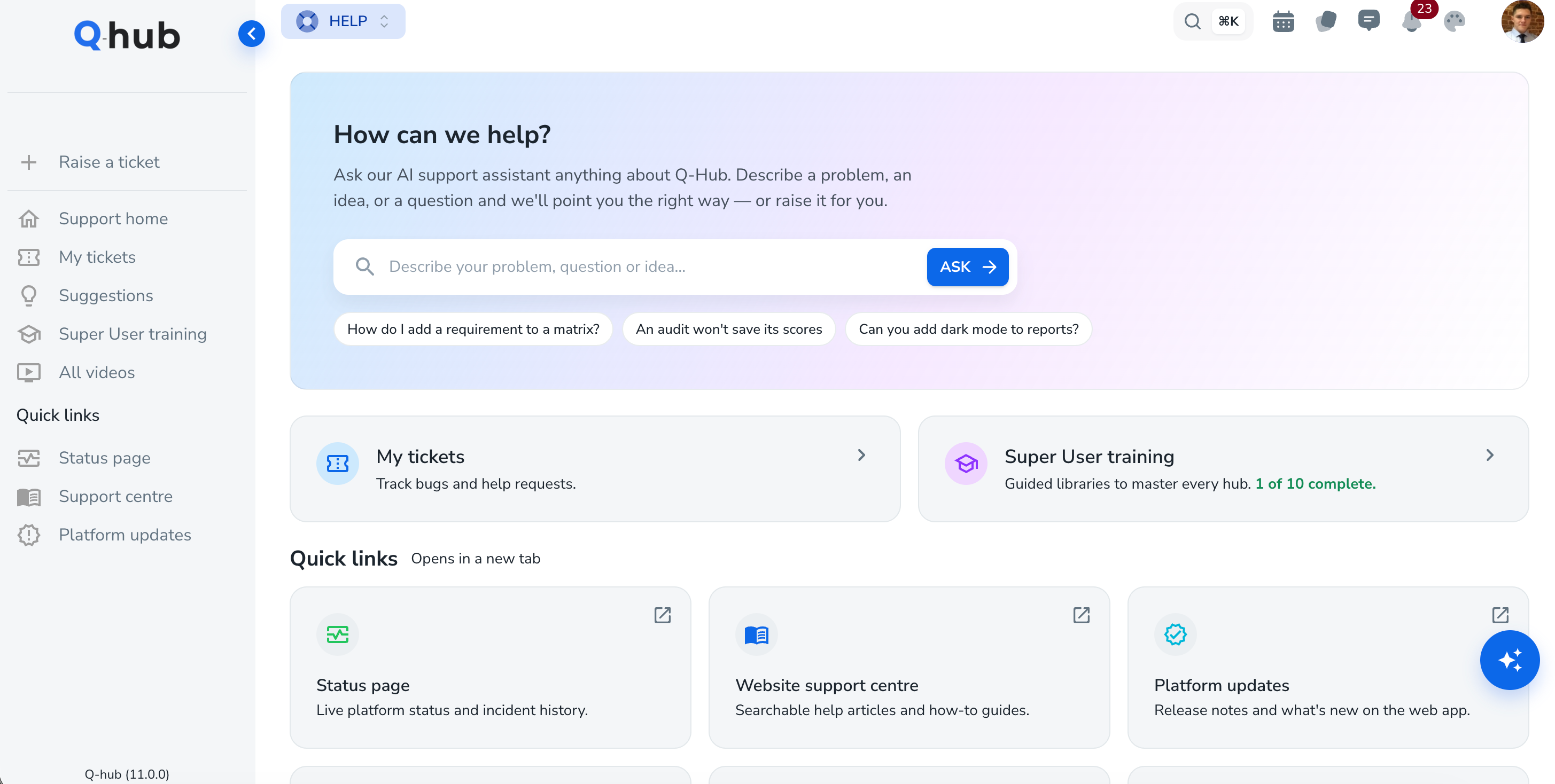
Support system - AI chat improvements and help area
Planned release date; 23/10/2026
New videos are being release along with new hubs.
Key Functional changes/improvements:
Improved chat functionality; free support chat and improved system chat features.
Raise a ticket via our AI chat for all new features.
Links to releases, status page and more.
Visual changes:
Work hub - New views and templates
Planned release date; 02/11/2026
Key Functional changes/improvements:
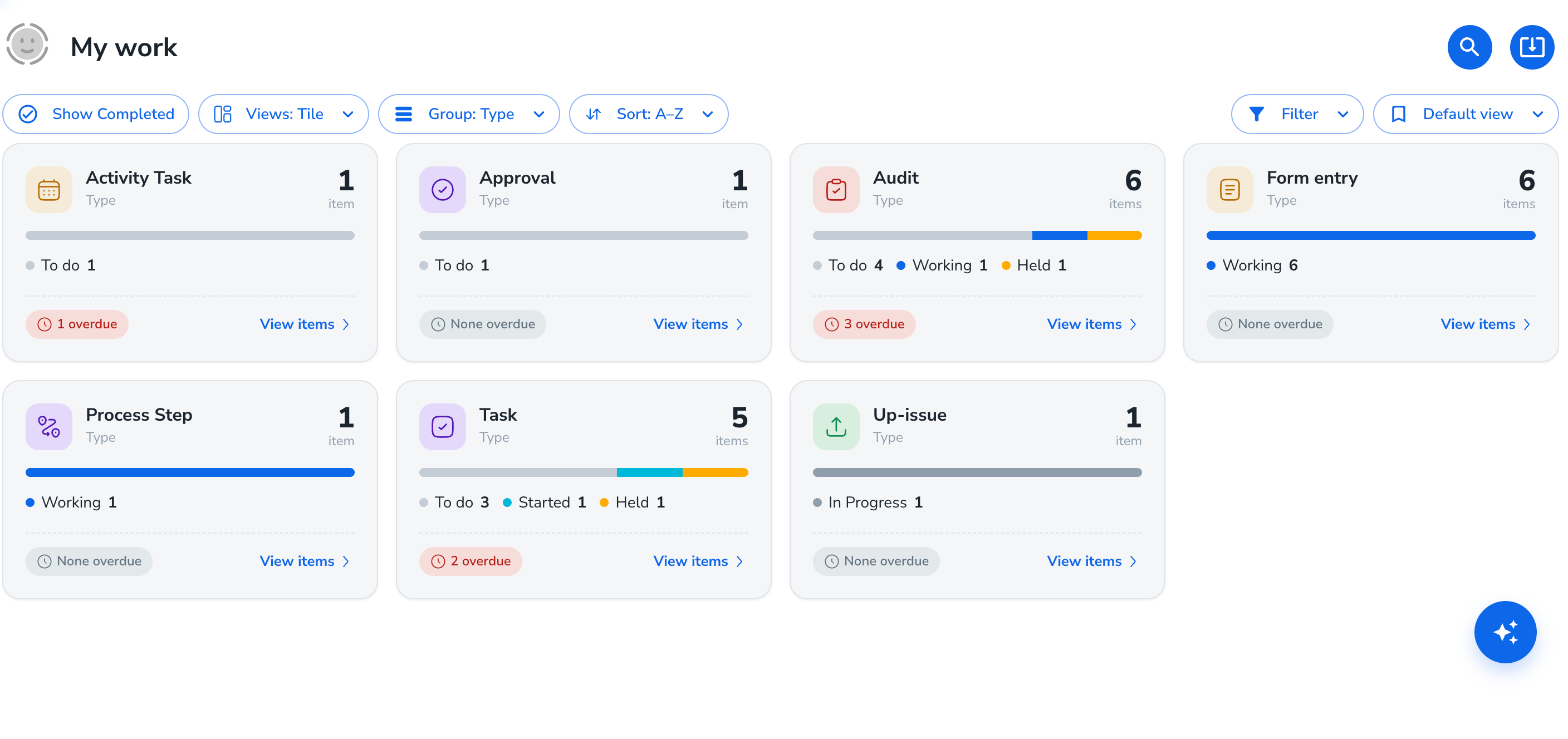
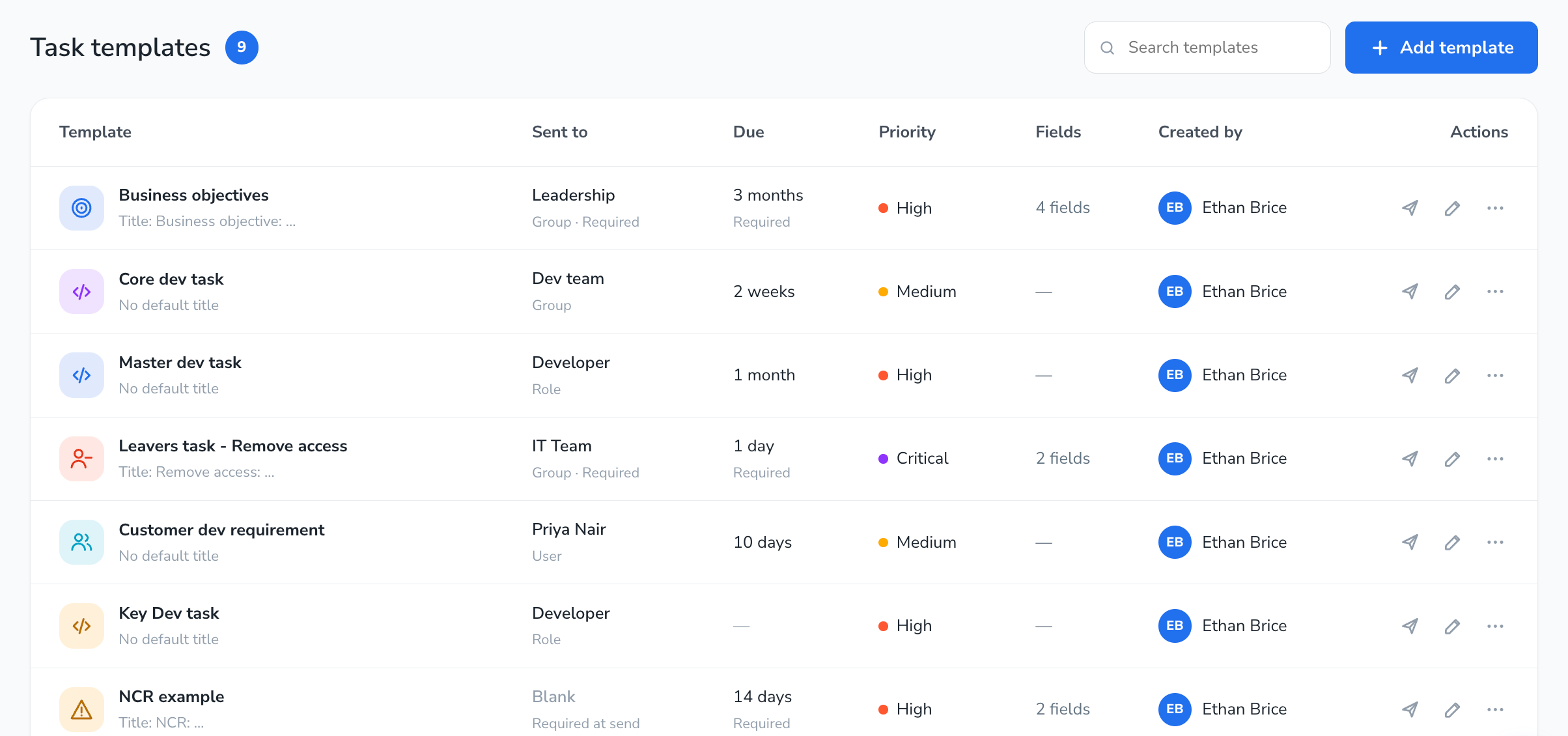
Task templates upgraded app wide - Task templates can now have an icon and colour to identify them, and have improved functionality in pre-set functions like due dates and assignees.
Visual changes:
Task template system improvements
Task creation dialogue box improvements
New “Tile” view to see groups of tasks!
Document Hub Upgrade - Visuals, settings and up-issue
Planned release date; 02/11/2026
Updated release date; 09/11/2026
Key Functional changes/improvements:
Doc hub settings → Area settings
Define view user privileges based on areas.
Define actions based on areas
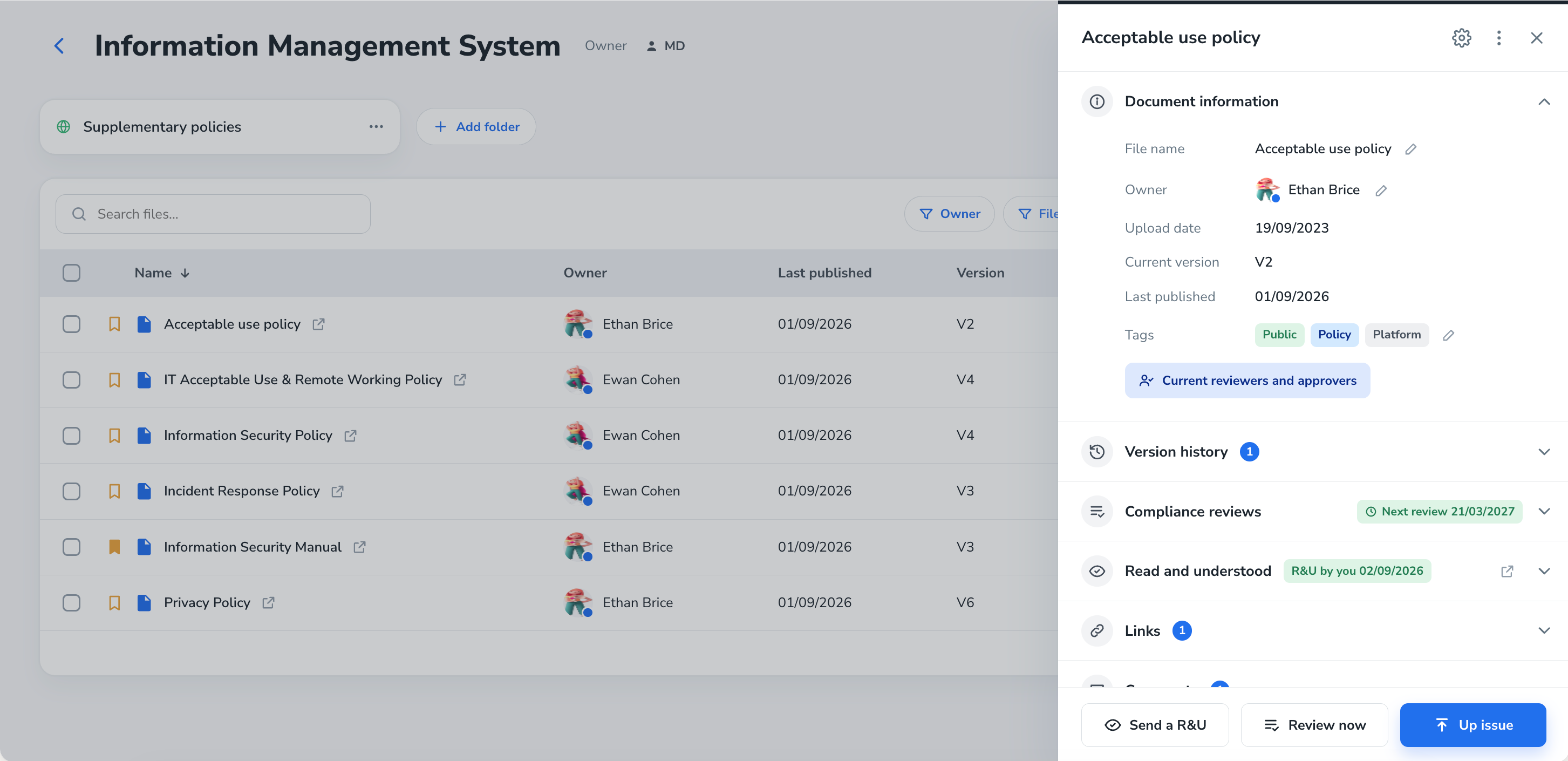
Visual changes:
Doc hub hub page simplified.
Doc hub areas style improvement.
Doc hub tables visual improvements and info button.
Document info drawer updated and improved.
Doc hub setting page improved for clarity.
Doc hub up-issue page upgrades
Planned next
Projects and features that are being worked on, designed or tested, but have not yet been confirmed and ready to release. These may move into “coming up” depending on priorities and customer requests.
Key Functional changes/improvements:
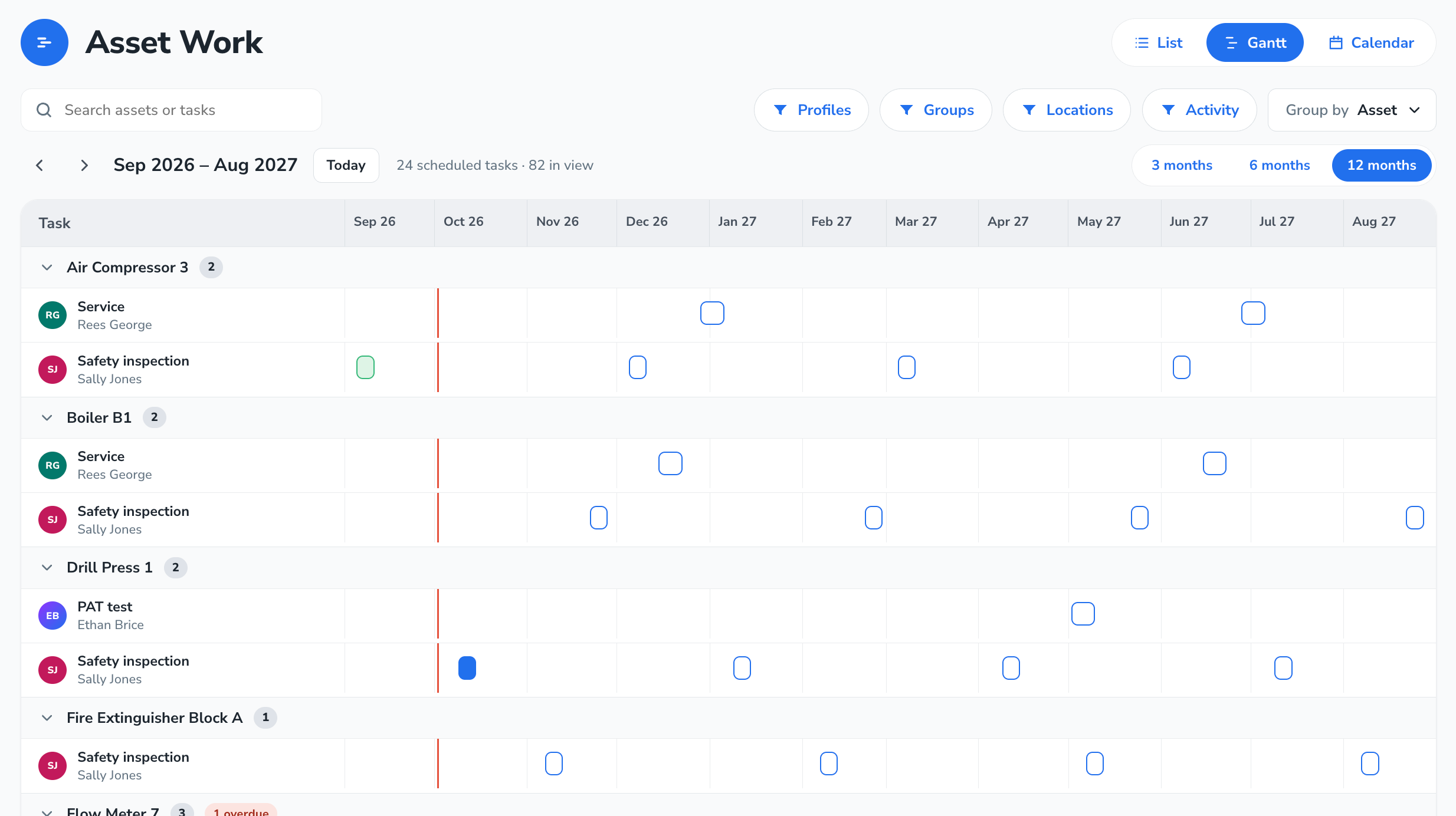
Asset automations; Pick triggers, and automations based on what happens to your assets.
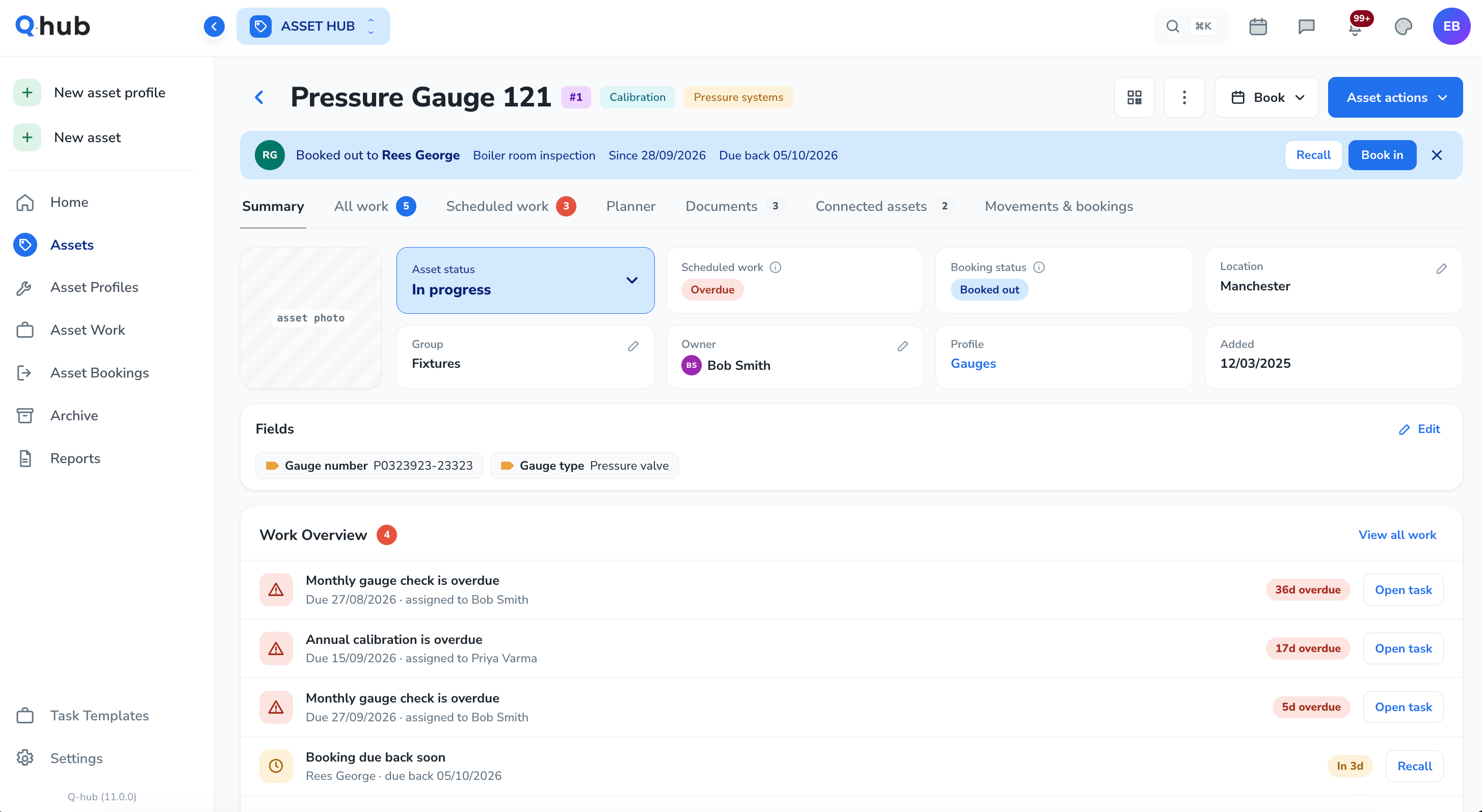
Globalised asset statuses for better asset management and automation rules.
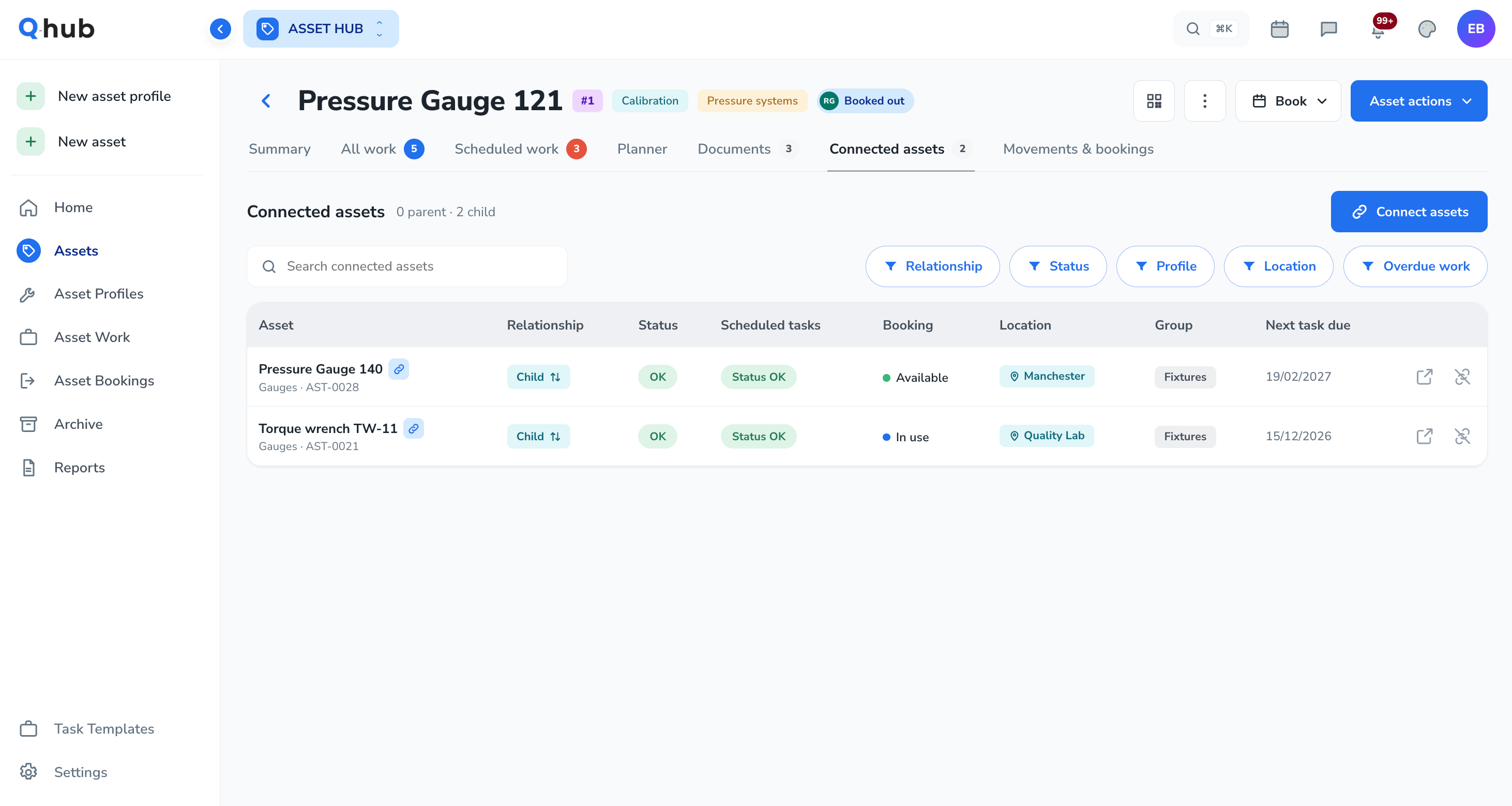
Parent and child asset connections to manage relationships with assets.
Asset action options to create a task at any time.
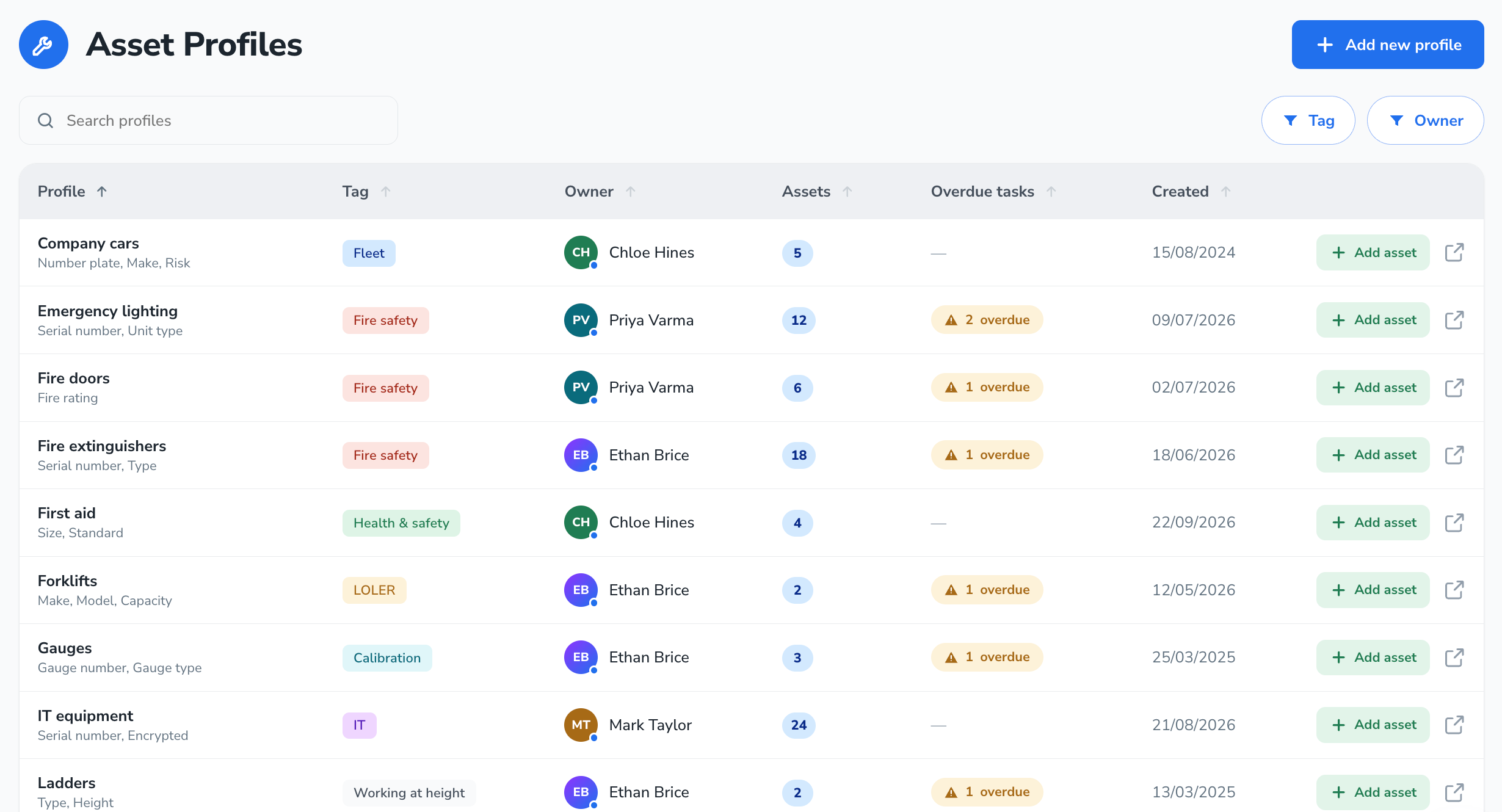
Visual changes: All asset pages visually updated
Key Functional changes/improvements
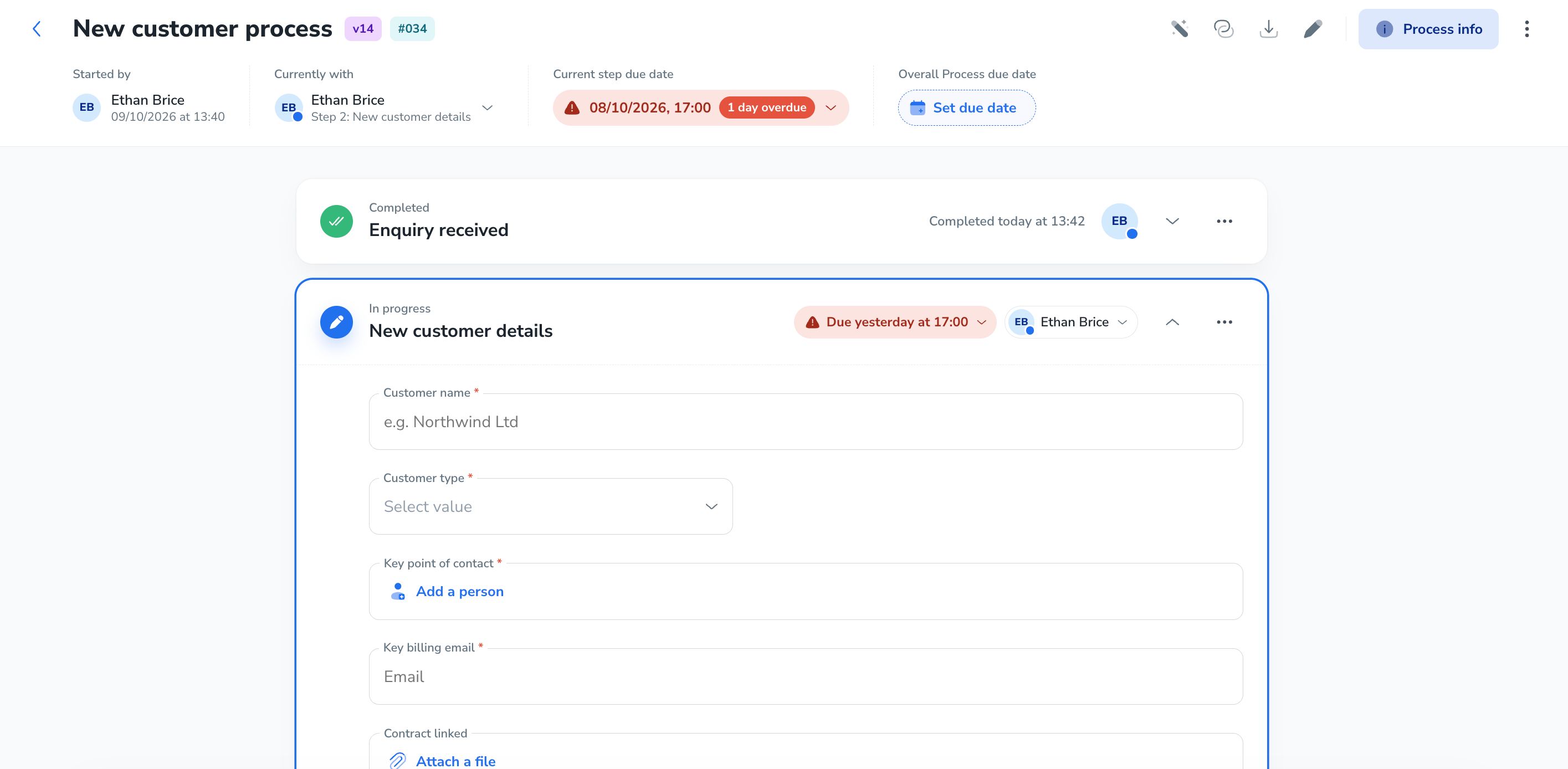
Process statuses - Ability to set an overall process for each process entry to better manage it.
Process entry page improved visual management
Process logic and trigger options; so due dates, step routes, assignees and approvals, can be triggered based on what happens with fields.
Visual change preview
On the road map
Projects and features on the roadmap with the goal to release them within the next 6-12 months. These projects will move into “Coming up” or “Planned next” depending on priorities and customer requests and the complexity of the projects. Projects are shown in likely release order.
Projects | Details |
|---|---|
AI MCP & Connectors 2026 Q4 - 2027 Q2 | AI MCP and connector service to enable customers to connect their native AI systems to Q-hub. |
Mobile application V2 2026 Q4 - 2027 Q2 | We are in the process of building a new application from the ground up to better future proof the mobile app for our customers. |
KPI hub → Report hub 2027 Q1 - 2027 Q3 | Centralising the following features; hub data reporting, feature exports, chart creation and AI insights into a single hub. |
New Open API Services 2026 Q4 - 2027 Q2 | New open API options to enable customers to further automate their business processes with Q-hub. Pull more information from more hubs and trigger changes from other systems. |
From Hub Boost 2027 Q1 - 2027 Q3 | Improved form filling and building. Small logical improvements and options will be included. |
Register Hub Boost 2026 Q4 - 2027 Q3 | Improved view of register rows as cards. Automation logic improvements and options will be included. |
Inspection and Checklists 2027 Q1 - 2027 Q3 | Improved methods and visuals implemented to improve the ability to carry out daily, weekly and monthly checks. |