
 Help Centre
How to manually add users
Its super easy to add users to Q-Hub. Please watch the video or read the instructions below.
How to add users
Access the Admin Panel
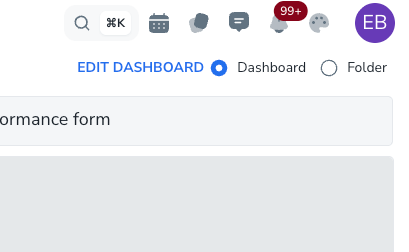
Go to the top-right corner of your app.
Click on your User Icon. (Circle with your initials).
Select Admin Panel from the drop down.
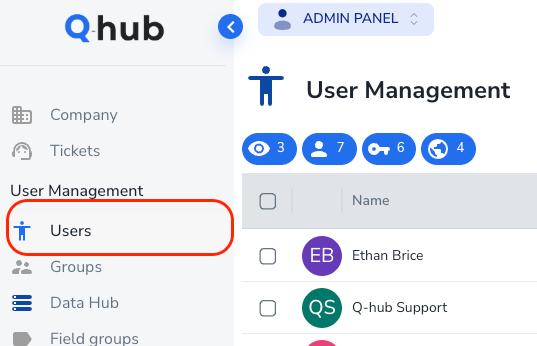
Go to the user management page
On the left hand side, click User Icon.
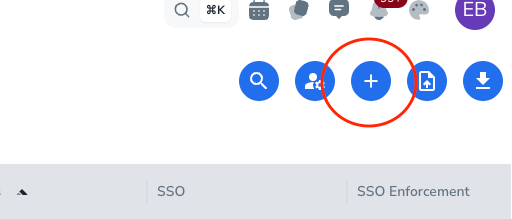
Add users
Click on the user Icon in the top right
Then follow the options to create your new user.
Once you click Done, the user will be sent an email for them to join the platform and be authenticated.
Common problems
Issue: Error showing “You do not have enough users”
Possible causes:
You are trying to add more users than you have paid for.
Application bug.
You may be trying to add the user as an incorrect role.
Solutions:
Try to add the user again.
Check how many Full and Basic users you have paid for.
Contact Q-Hub support.
Learn the different user types here - Q-Hub user types